Beautiful Screen Recordings in Minutes
Screen Recorder producing high-impact videos automatically. Designed for macOS.
macOS Ventura 13.1+ is recommended
Helping people create beautiful screen recordings at


Engaging screen recordings. Created in minutes.
Screen Studio is an opinionated screen recorder that makes your videos look beautiful. It automatically zooms in on your cursor, increases the cursor size and smooths its movements.
Automatic zoom for engaging screen recordings
Make your demos and tutorials easier to follow while grabbing more attention. Especially on smaller screens.
- • Automatic zoom to focus on the main action
- • Export in vertical mode for social media
- • Manual zoom selection with automatic animation
- • Easy editing with drag-and-drop timeline
Professional animations by default
Screen Studio is a video editor that works automatically. Effects that would take hours of manual work are created instantly.
- • Smooth cursor movement transformation
- • Change cursor size after recording
- • Automatically hide static cursor
- • Loop cursor position for social media
Add your style and branding
Whatever you record, it will match your brand. Change the background, outer spacing, shadow, inset, and more.
- • Background and spacing customization
- • Horizontal and vertical output modes
- • Shadow and inset adjustments
- • Cut & speed up functionality
Easy screen recording
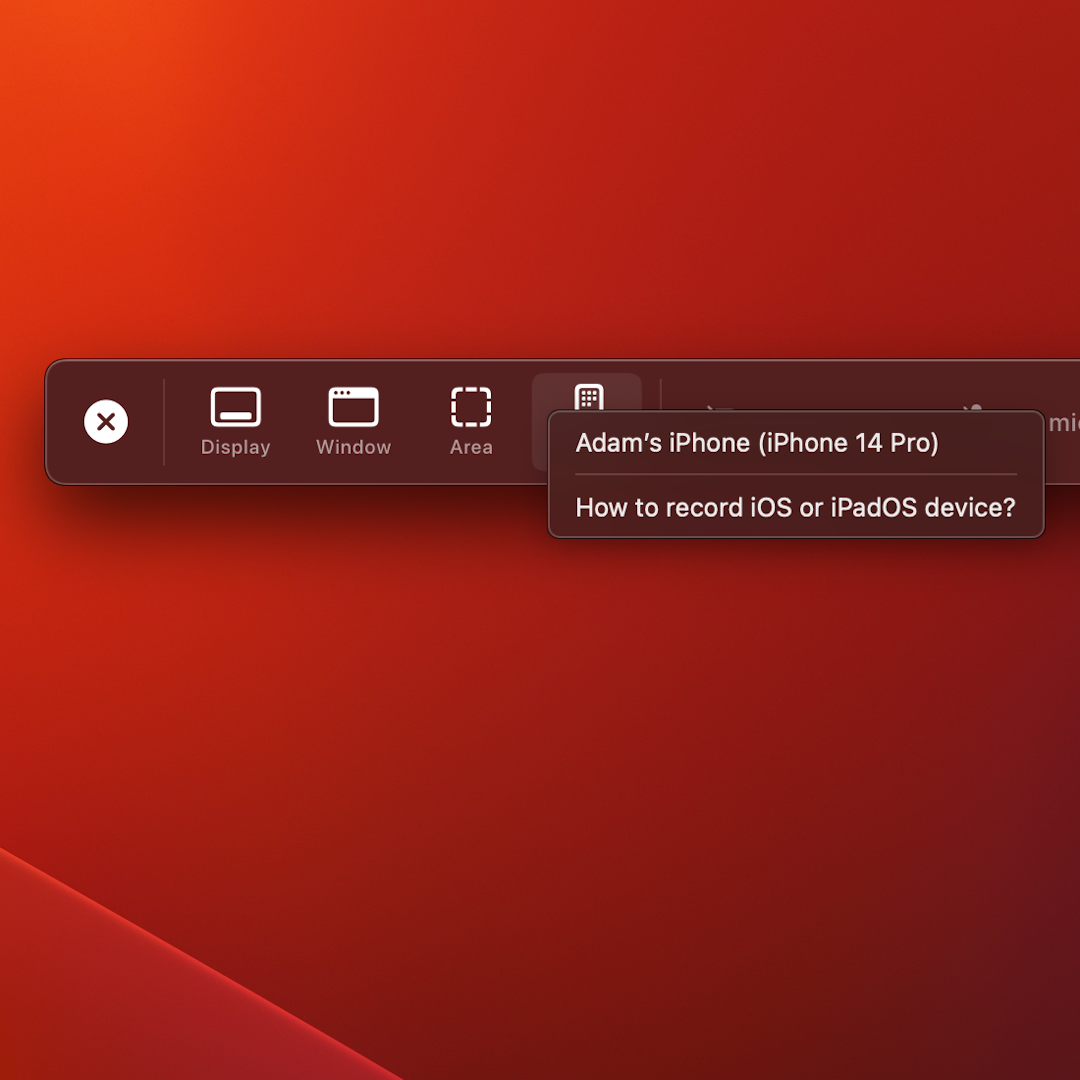
Simple, but powerful. Screen Studio can record webcam, microphone, system audio, or any iOS device.
- • Record webcam, microphone, and system audio
- • Create full-featured courses and tutorials
- • Record iPhone or iPad on your Mac
- • Mobile app demos with USB connection
Export & Share. Smooth and easy.
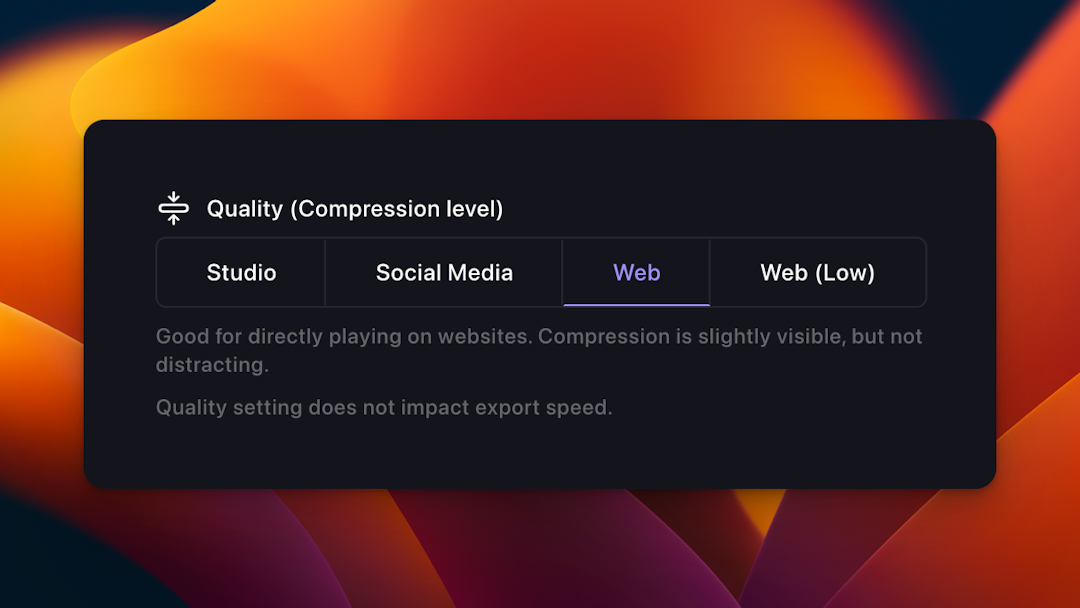
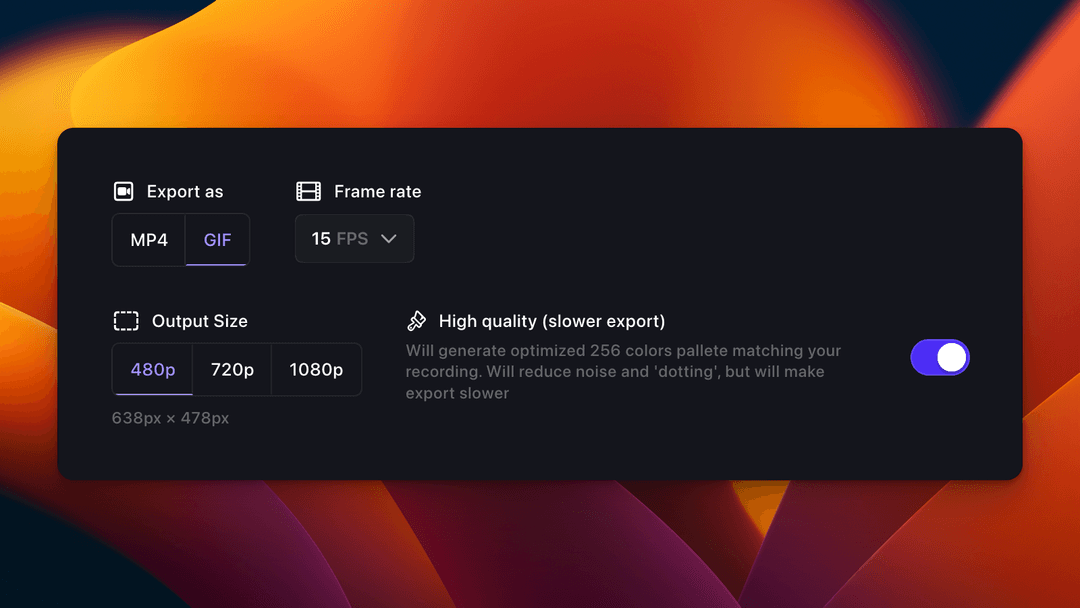
Optimal exports settings baked in. Decide where to publish your video, and Screen Studio will adjust all technical settings for you.
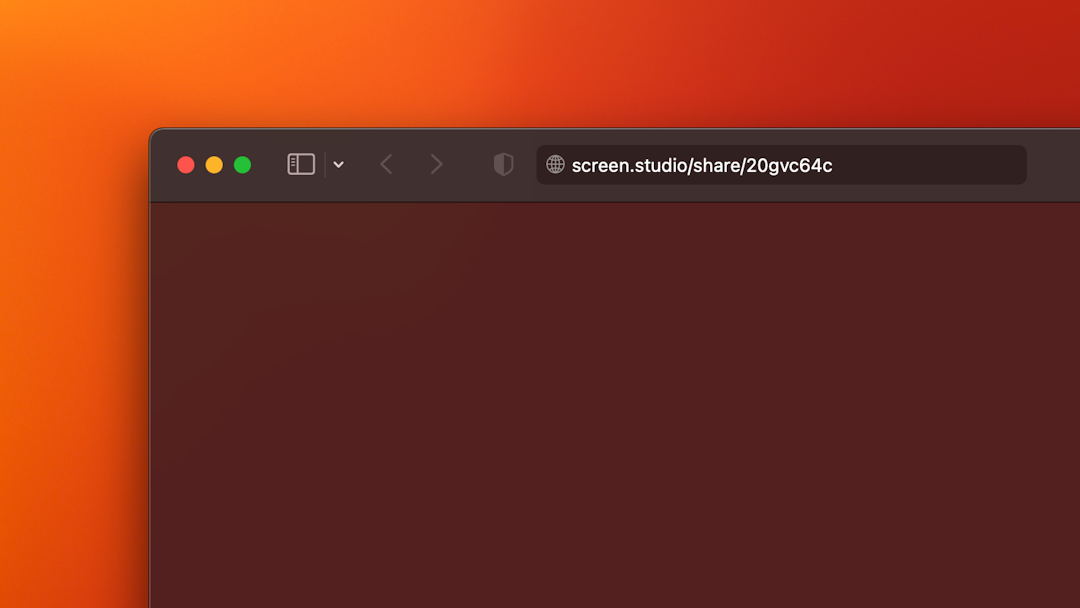
- • Shareable links for quick sharing
- • Export presets for web, social media, editing
- • Video and GIF exports up to 4K 60fps
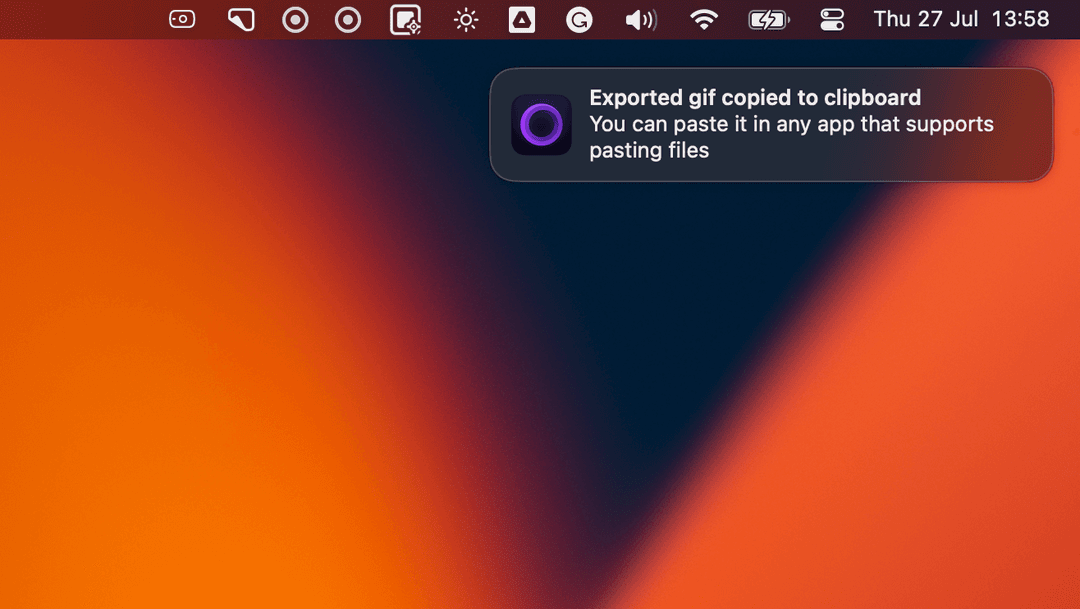
- • Copy to clipboard functionality
One tool for your video-making needs
Level up your tutorials, product demos, and collaboration with Screen Studio.
Screen Studio
Simple pricing. All Screen Studio features.
Per month billed yearly. Billed yearly
- ✓ All Screen Studio features
- ✓ Lifetime updates
- ✓ Shareable links
- ✓ 3 personal macOS devices
- ○ Cloud AI features (Coming soon)
- ○ Creating teams (Coming soon)
Screen Studio
Pay once. Your copy forever & one year of updates.
One-time payment. Includes one year of updates. Billed yearly
- ✓ All Screen Studio features
- ✓ One year of updates
- ✓ One year of shareable links
- ✓ 3 personal macOS devices
Optional renewal for another year at 09. Renew to get the latest updates or keep using the version you have forever.

Trusted by thousands of creators worldwide
Meet Screen Studio users
Screen Studio empowers thousands of people to record beautiful videos and demos of their products and services.
Brendan O'Leary
@olearycrew
Screen studio from @pie6k I think is the best tool I've picked up for my Mac in YEARS
Abhishek Vijayvergiya
@abvijayvergiya
I'm seeing more and more product videos (even by Fortune 500) now being created in @screenstudio.
Sukh
@thisissukh_
Never bought something so fast - screen.studio screen recordings look amaazing!
Stephan Meijer
@meijer_s
OMG. @screenstudio is 🤯. Took me ~ 5 minutes to create a nice looking video that I could share.
Vahe Hovhannisyan
@vhpoet
I can't put into words how much I adore @screenstudio! Using it for the first time today, and it's unbelievably amazing.
Brendan O'Leary
@olearycrew
Screen studio from @pie6k I think is the best tool I've picked up for my Mac in YEARS
Abhishek Vijayvergiya
@abvijayvergiya
I'm seeing more and more product videos (even by Fortune 500) now being created in @screenstudio.
Sukh
@thisissukh_
Never bought something so fast - screen.studio screen recordings look amaazing!
Stephan Meijer
@meijer_s
OMG. @screenstudio is 🤯. Took me ~ 5 minutes to create a nice looking video that I could share.
Vahe Hovhannisyan
@vhpoet
I can't put into words how much I adore @screenstudio! Using it for the first time today, and it's unbelievably amazing.
Meet Screen Studio Users
Real stories from creators who've transformed their workflow with Screen Studio.
Brendan O'Leary
@olearycrew
Screen studio is the best tool I've picked up for my Mac in YEARS!
Abhishek Vijayvergiya
@abvijayvergiya
I'm seeing more and more product videos being created in @screenstudio.
Stephan Meijer
@meijer_s
OMG @screenstudio is 🤯. Took me 5 minutes to create a nice video.
Questions & Answers
If you have any other questions, please get in touch
Screen Studio automatically creates beautiful, professional-looking screen recordings with automatic zooms, smooth cursor movements, and professional animations that would normally take hours to create manually.
Currently, Screen Studio is designed specifically for macOS. We are exploring Windows support but don't have a release date yet. We recommend macOS Ventura 13.1+ for the best experience.
Yes. All processing happens locally on your machine. No data is sent to our servers during recording or editing, ensuring complete privacy and security of your content.
You can continue using the version you have forever. Optional renewal at 09 gives another year of updates and shareable links, but you keep your current version regardless.
Yes, we offer educational discounts for students and educators. Please contact us at team@screen.studio with your .edu email address for detailed information.
We're working on cloud AI features, team collaboration tools, and additional export formats based on user feedback. All updates are included with active subscriptions.
macOS Ventura 13.1 or later is recommended for optimal performance and all features. The app may work on earlier versions but with limited functionality.
You can manage your subscription through your account dashboard at screen.studio/manage or contact us at team@screen.studio for assistance.

Ready to create beautiful screen recordings?
Join thousands of creators who've transformed their workflow with Screen Studio.
macOS Ventura 13.1+ is recommended